Site Dashboard
The Site Intelligence landing page: AI suggestions, the admin task list, and an overview of site activity.
Using the Site Dashboard
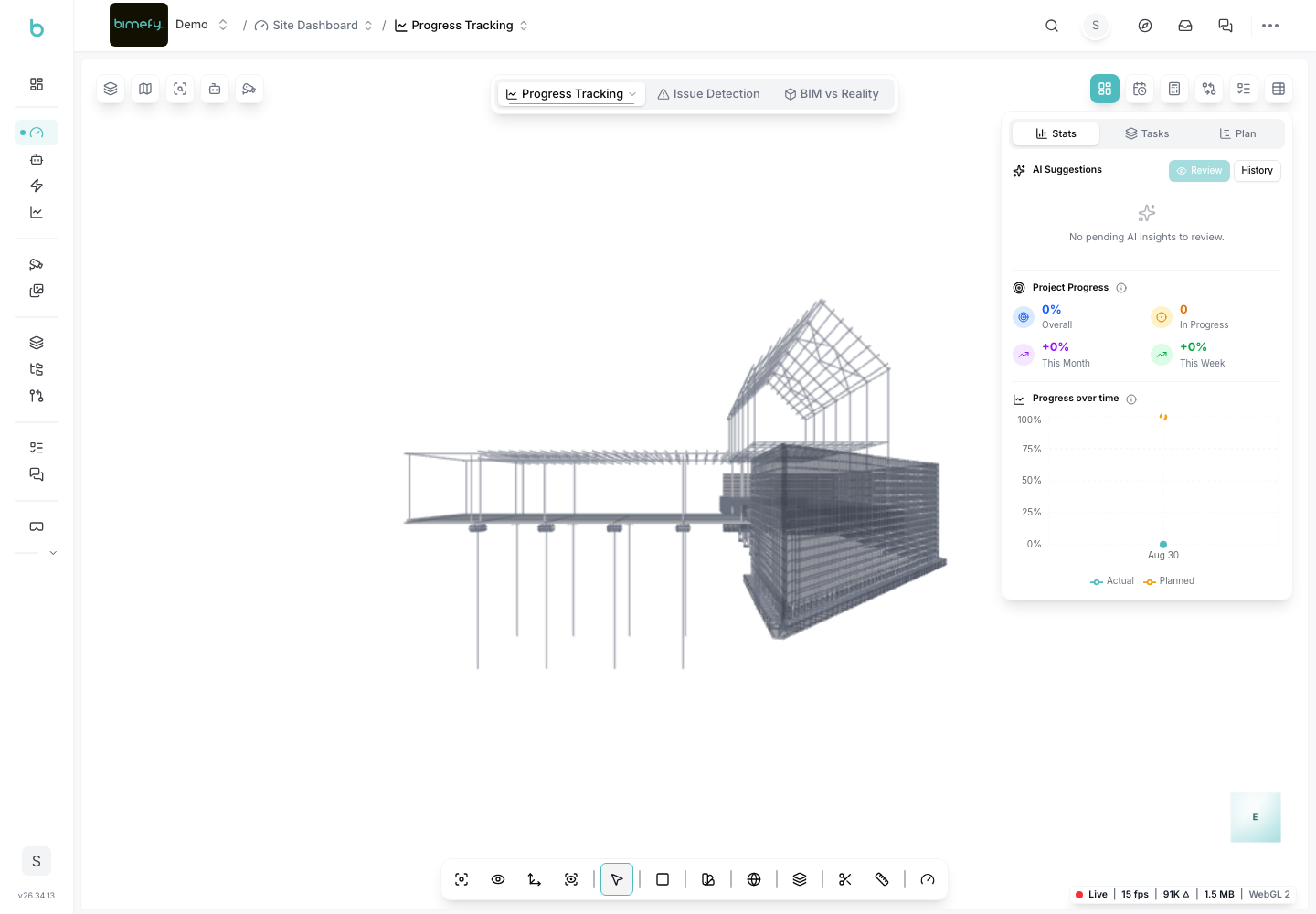
The Site Dashboard is the main landing page of the Site Intelligence section of your project — it surfaces AI-generated suggestions and an admin task list drawn from your reality-capture and BIM data, and links out to the more detailed tools (Progress Tracking, Live Operations, Capture Hub).
1. Accessing the Site Dashboard
1. Navigate to the Site Dashboard:
- In the left-side menu, under Site Intelligence, click Site Dashboard.
2. AI Suggestions
- Bimefy's AI reviews your project's captured data (photos, point clouds, model comparisons) and surfaces suggested actions or issues worth reviewing.
- Review each suggestion and accept, dismiss, or turn it into a task.
3. Admin Task List
- A panel summarizing open tasks relevant to project administrators, so you don't need to open the full Planning & Tasks board to see what needs attention.
4. Digging Deeper
- Progress Tracking: from the Site Dashboard, open the BIM comparison panel to compare site photos against your model and track construction progress — see the Progress Tracking guide.
- Live Operations: for real-time camera monitoring and safety/security event detection — see the Site Safety & Monitoring guide.
- Capture Hub: for managing your 360°/photo/point-cloud captures and floorplans — see the Capture Hub guide.
5. Where It Sits in the Menu
- The Site Dashboard is grouped under Site Intelligence in the left-side menu, alongside Analytics, the AI Agent, and Automations.