Quantities
Aggregate and export IFC quantities (area, volume, length, weight) grouped however you need.
Using Quantities
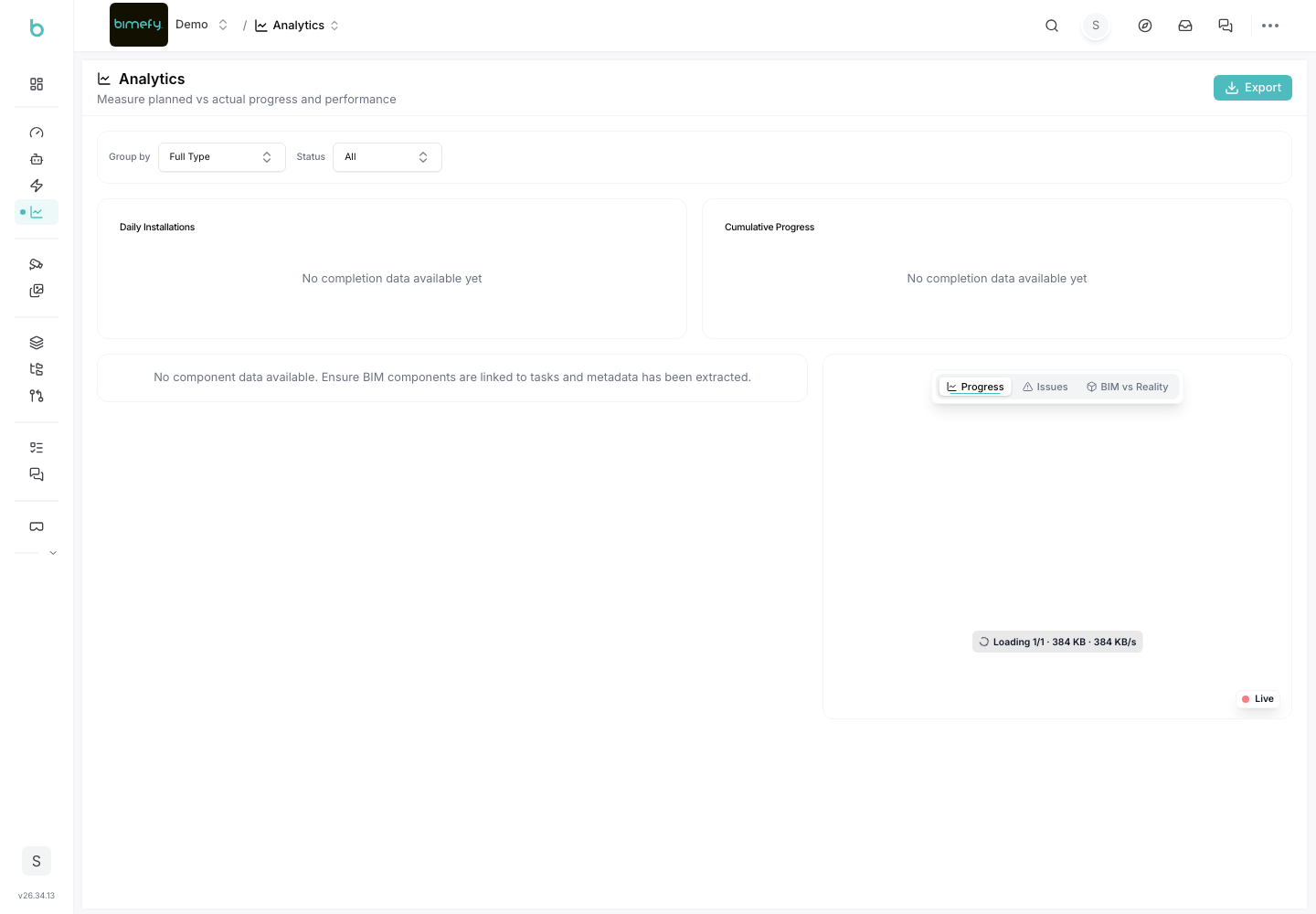
The Quantities panel aggregates your model's IFC quantities — length, area, volume, weight, and more — grouped by whatever field makes sense for the takeoff you're doing. It sits alongside Clash Detection in the BIM comparison viewer, reached from the Site Dashboard (see the Progress Tracking guide for the viewer itself).
1. Grouping Your Data
- Group by IFC type, storey, model, discipline, classification (and system), material, system, element type, or any custom property on your model.
- Add optional metric columns via the column picker.
2. Filtering
- Use the search/facet bar to narrow results, and save frequently-used filters for reuse.
- Choose whether elements outside the current filter are shown, ghosted, or hidden in the 3D view.
- Toggle Selected elements only, Visible elements only, or Estimate missing from geometry as needed.
- Turn on Color by group to tint the 3D model by group for a quick visual read.
3. Working with Results
- Each group row supports Isolate, Zoom, and Hide in the 3D viewer.
- A totals row aggregates whatever is currently selected in the viewer.
- Adjust the rounding precision for displayed values as needed.
4. Exporting
- Export the current results as CSV or XLSX. Exports include provenance metadata (account, models, group-by, active filters, and each model's unit basis).
5. Data Quality Warnings
- A warning banner flags elements that are duplicated across more than one loaded model (excluded from totals) and models whose unit basis couldn't be resolved from IFC data (assumed SI, which may be incorrect) — check these before relying on totals for a formal takeoff.