Conversations
Chat with your project team directly inside Bimefy.
Using Conversations
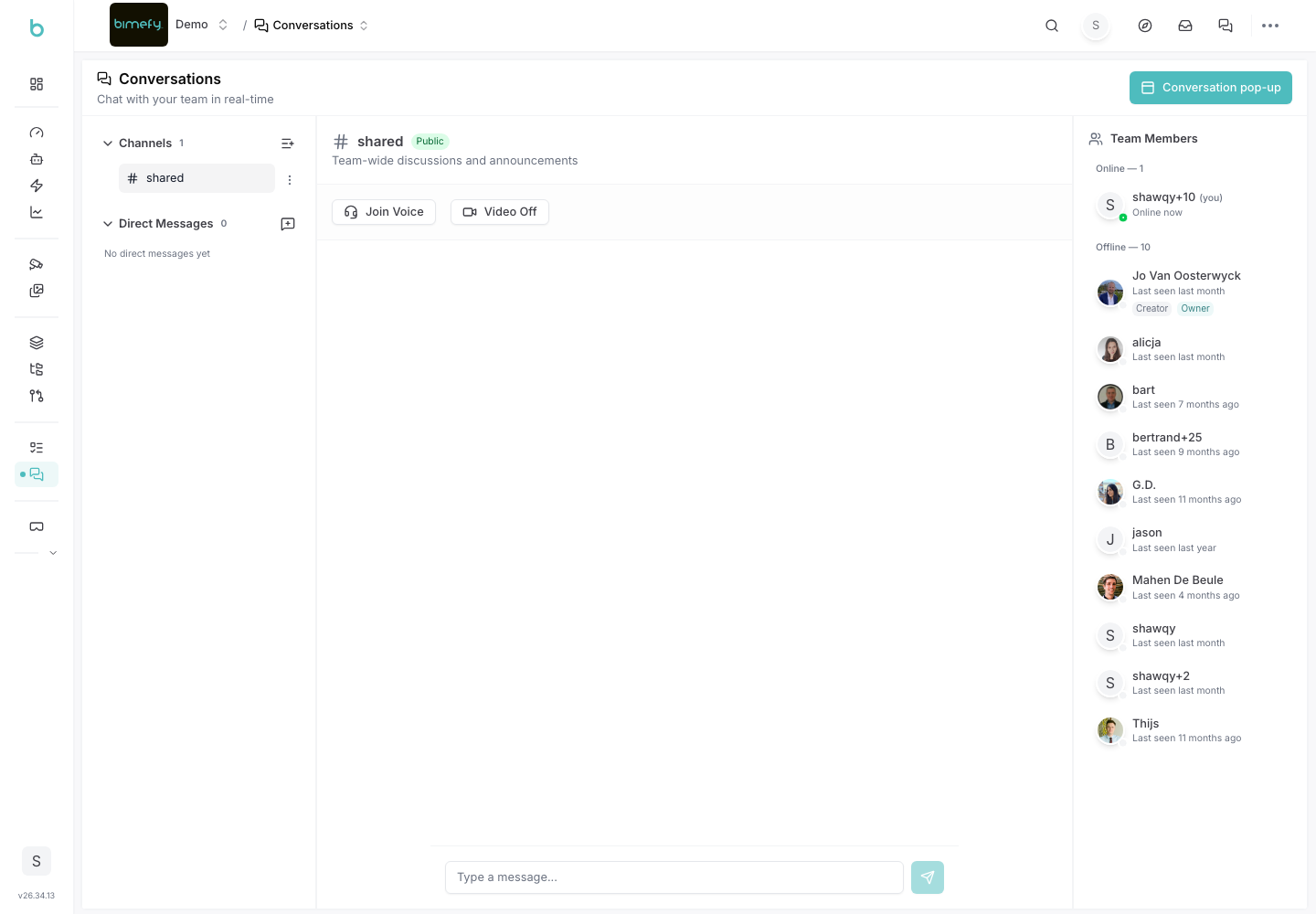
Conversations is Bimefy's in-app team chat, so discussions about the project can happen alongside your files, tasks, and models instead of in a separate tool. It's grouped under Collaboration in the left-side menu, next to Planning & Tasks.
1. Accessing Conversations
1. Navigate to Conversations:
- In the left-side menu, under Collaboration, click Conversations.
- An unread badge appears on the menu item when there are new messages.
2. Messaging Your Team
- Send messages to your project team directly from the Conversations page.
- Unread conversations are highlighted so you can quickly catch up.
3. Best Practices
- Keep Project Discussion in Bimefy: using Conversations instead of external chat tools keeps project context (files, tasks) close to the discussion.
- Check In Regularly: review the unread badge periodically so important updates aren't missed.