Support
Open and track support tickets to get help from the Bimefy team.
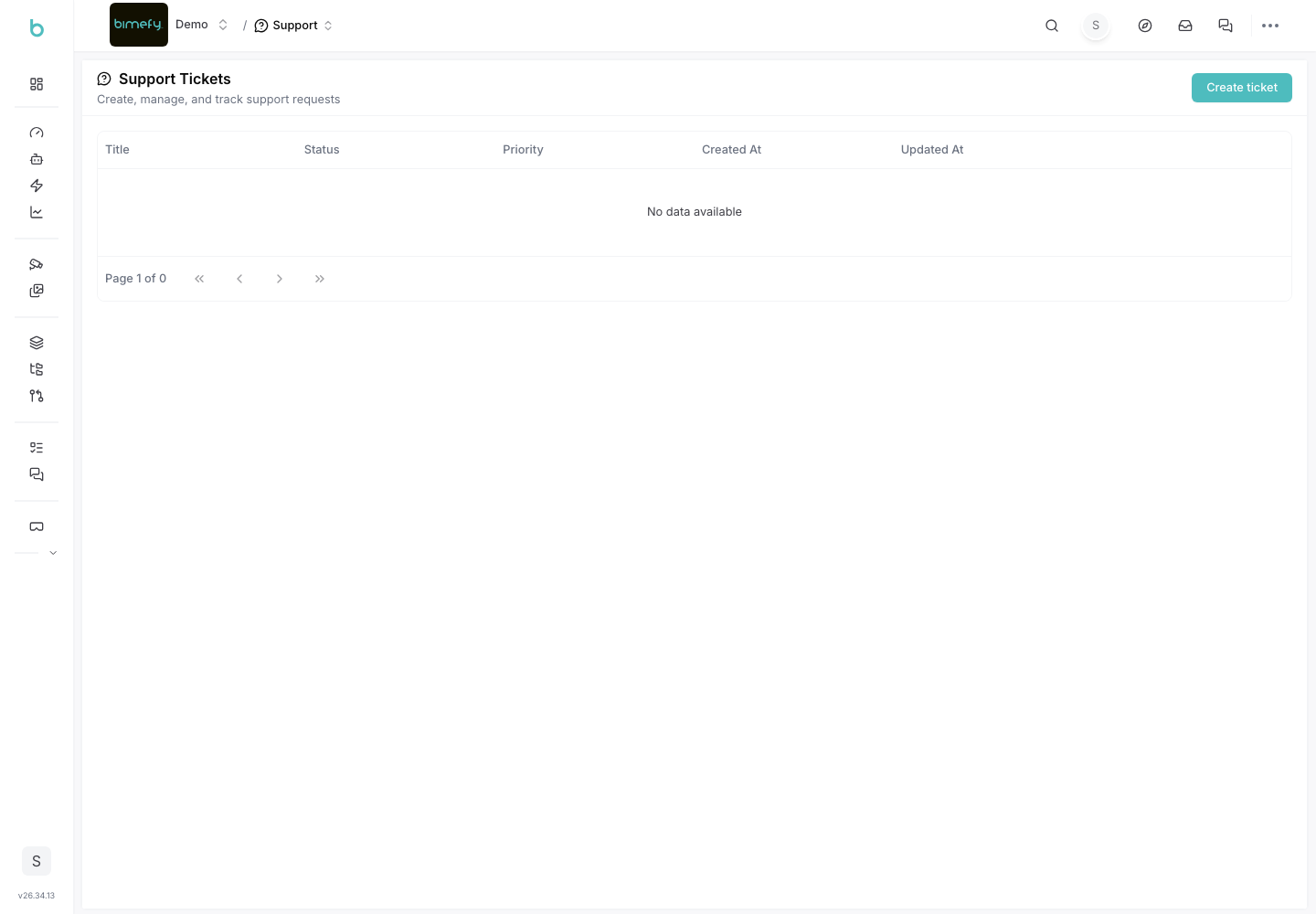
Using Support
The Support page is where you open and track tickets with the Bimefy team — for bugs, questions, or anything else you need help with. It's found under Settings & Support in the left-side menu.
1. Accessing Support
1. Navigate to Support:
- In the left-side menu, under Settings & Support, click Support.
2. Creating a Ticket
- Open a new ticket and describe your issue or question in as much detail as possible.
- Include relevant context — which project, page, or file the issue relates to — and attach screenshots where helpful.
3. Tracking Tickets
- View the list of your submitted tickets and their current status.
- Open a ticket to see its full history and any replies from the Bimefy team, and add further comments if needed.
4. Best Practices
- One Issue per Ticket: keep tickets focused so they're easier to track and resolve.
- Include Reproduction Steps: for bugs, describe exactly what you did and what you expected to happen instead.
- Feature Requests: for new feature ideas rather than support issues, use the Roadmap instead of a support ticket.