Achievements
Earn badges for your activity across all your Bimefy projects.
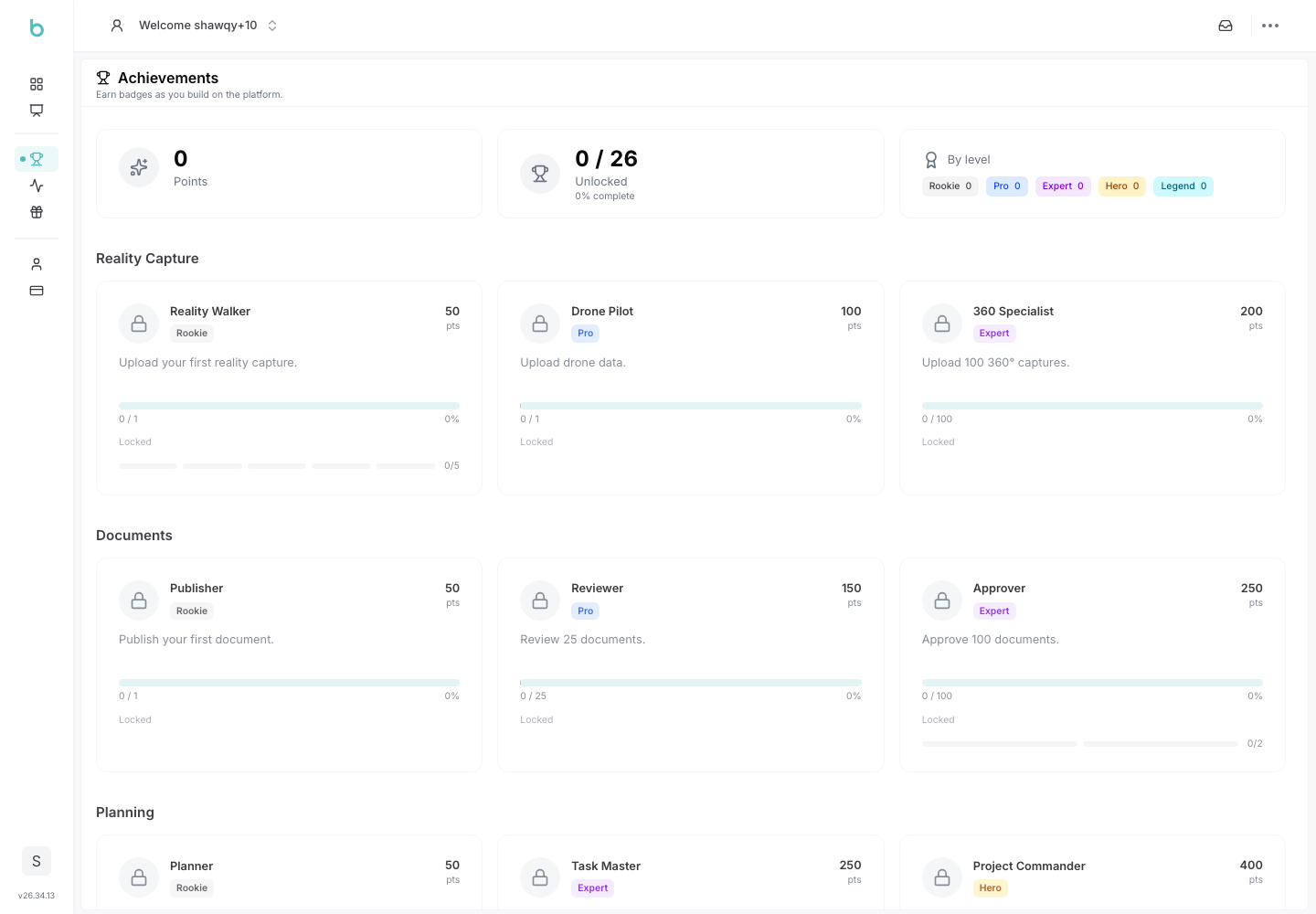
Using Achievements
Achievements reward you for activity across all your projects — they belong to you as a user, not to any single project, so your progress rolls up globally no matter which project you're working in.
1. Accessing Achievements
1. Navigate to Achievements:
- From your personal account area, under Personal, click Achievements.
2. How Achievements Work
- Achievements are organized into categories such as Platform Adoption, Reality Capture, Documents, Planning, BIM, AI Assistant, Site Safety, Collaboration, and Administration.
- Many achievements form a tiered ladder — for example, the "Reality Walker" ladder progresses through Rookie, Pro, Expert, Hero, and Legend tiers as you upload more reality captures.
- Each card shows your current tier, a progress bar toward the next one, and a level badge.
- Some achievements are hidden until you've earned at least one tier in their group — a small collection of surprise badges to discover.
3. Earning Achievements
Achievements track real activity as you use the platform — for example: creating projects, uploading reality captures or 360° scans, creating tasks and issues, starting conversations, resolving safety detections, and submitting or approving workflows. You don't need to do anything special — progress is recorded automatically as you work.
4. Tracking Your Progress
- The top of the page summarizes your total points, how many achievements you've earned out of the total available, and a breakdown by level.
- When you unlock a new achievement, you'll see a celebration notification.